Group Voicemail Overview
A group voicemail box is a shared mailbox with its own extension number. Callers leave one message for a team, such as Sales or Reception, and everyone in the box can listen to it and deal with it in the PBX Connect app.
Boxes are set up in the portal by an administrator. This article covers creating a box, choosing who is in it, and sending calls to it.
Opening Group Voicemail
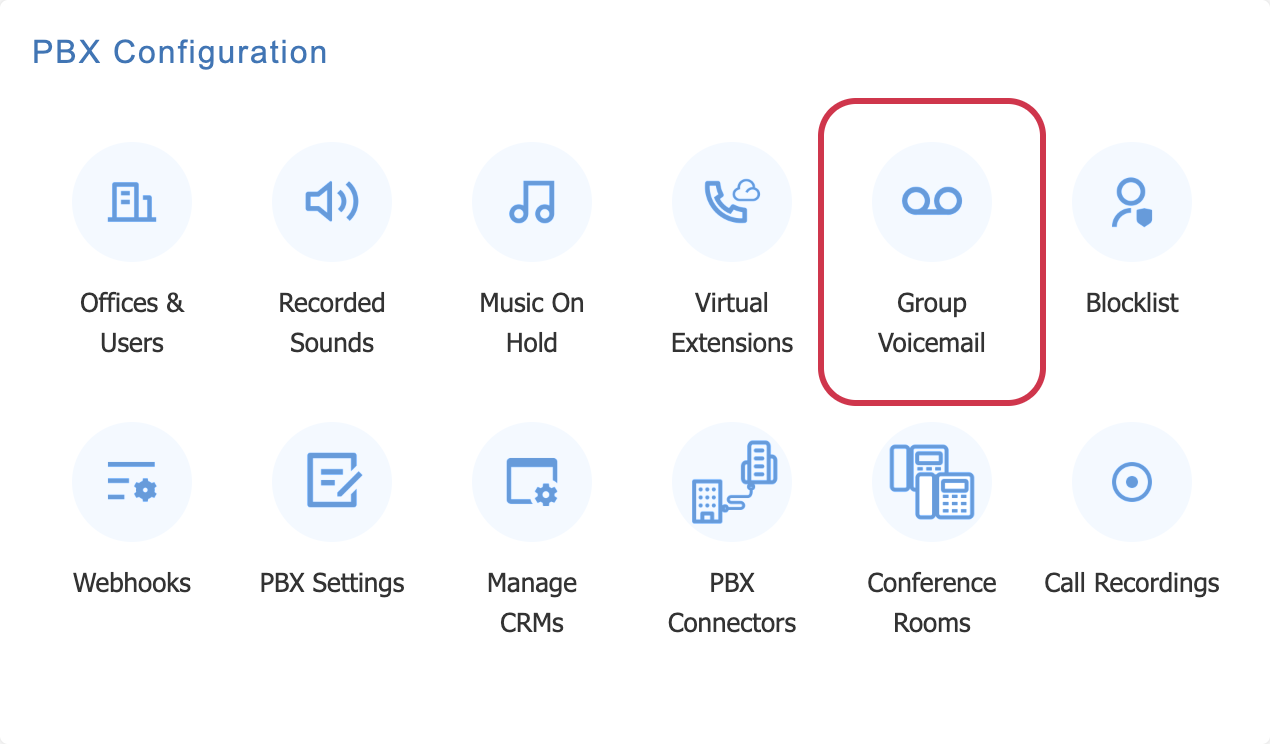
From the phone system page, choose 'Group Voicemail' under PBX Configuration.
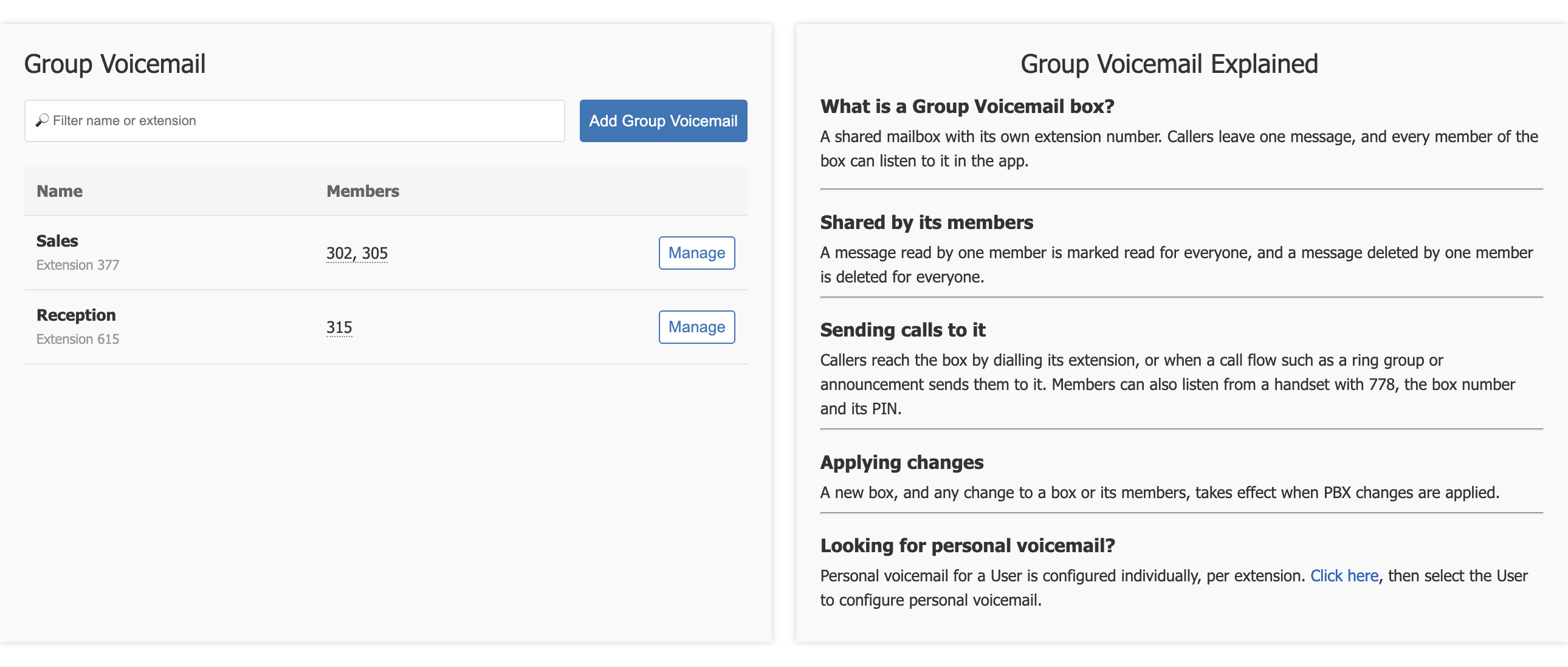
The page lists every box with its extension and the extensions of its members. 'Manage' opens a box, and the filter finds one by name or extension. The panel on the right explains how boxes work.
Adding a box
Choose 'Add Group Voicemail' and fill in the form.
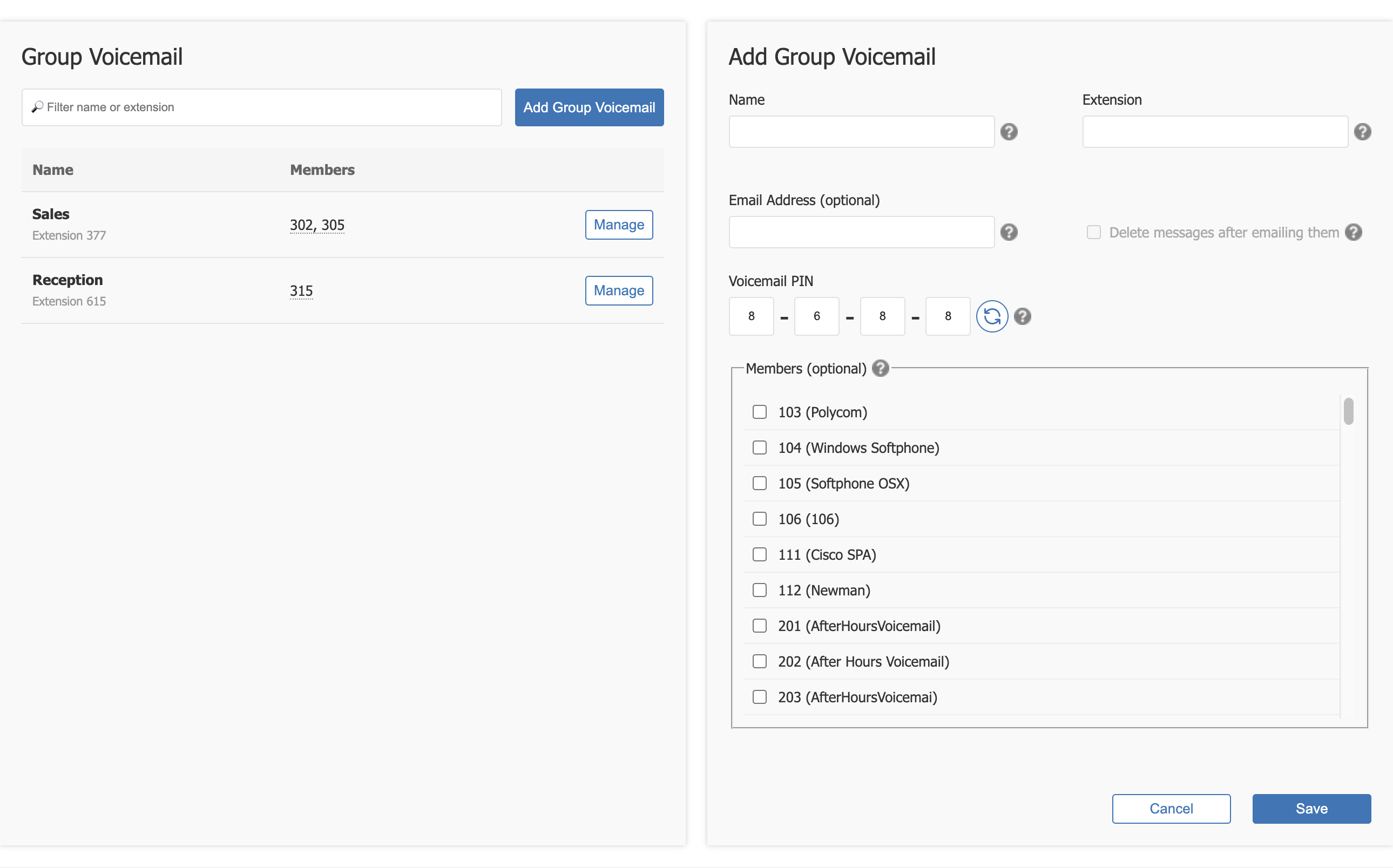
| Field | What it is for |
|---|---|
| Name | What members see in Connect, for example Sales. |
| Extension | The box's own extension number. Callers reach the box by dialling it. It cannot be changed once the box is saved. |
| Email Address (optional) | Each new message is also emailed here, for example to a shared team inbox. |
| Delete messages after emailing them | Available once there is an email address. Messages are emailed and then removed, so they do not stay in the box. |
| Voicemail PIN | The four digit PIN for listening from a handset. The refresh button picks a new random PIN. |
| Members (optional) | Tick each extension that should see the box in Connect. |
Choose 'Save', then 'Apply Changes'. A new box, and any change to a box or its members, takes effect when PBX changes are applied.
Changing a box
Choose 'Manage' beside a box to change its name, email, PIN or members. The members already in the box are ticked.
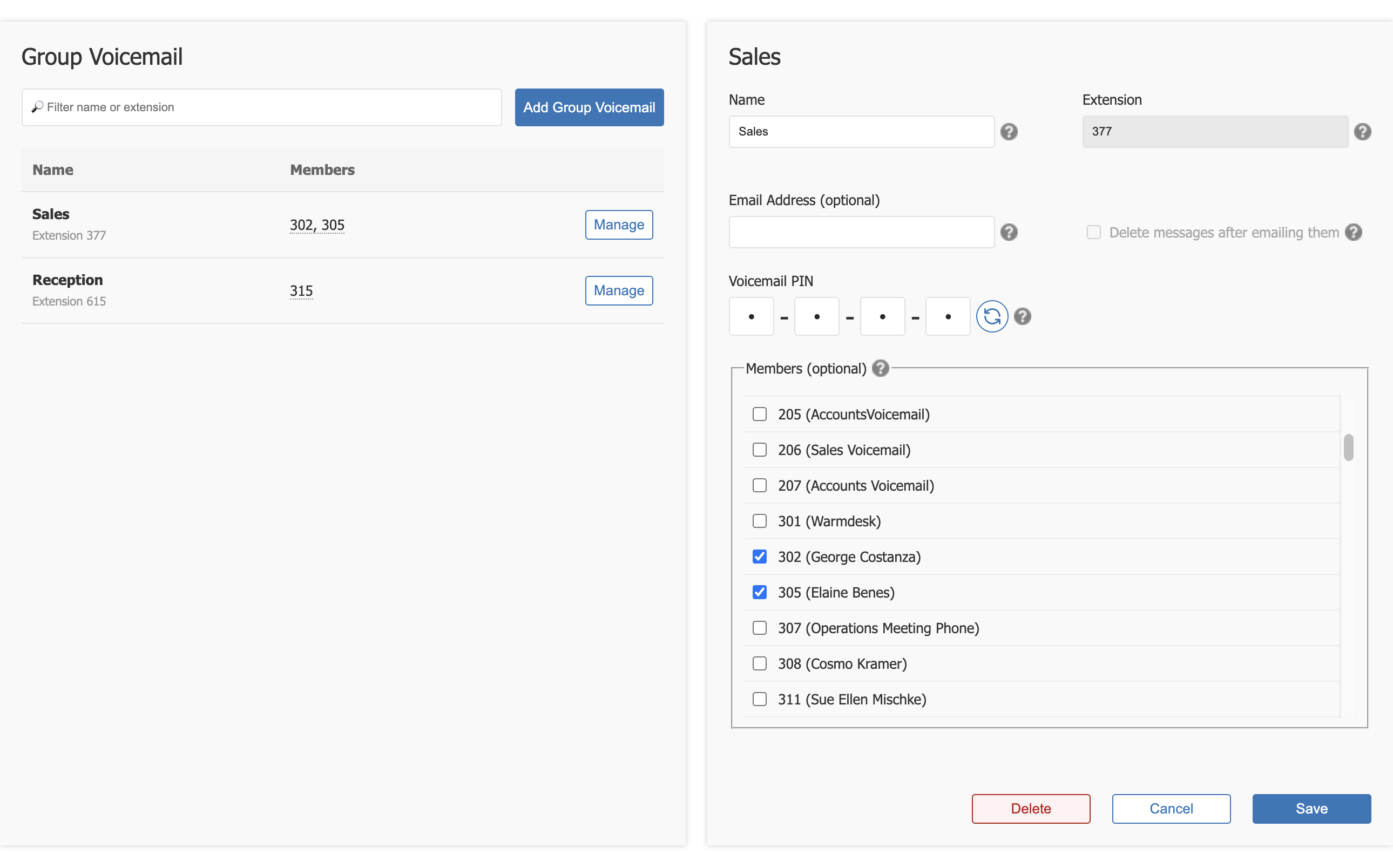
'Delete' removes the box. Apply changes afterwards, as for any other change.
How members use a box
- In Connect. Members open Voicemail and pick the box from the switcher at the top.
- From a handset. Dial 778, then the box's extension and its PIN.
A box is shared by all its members
A message played by one member is marked read for everyone, and a message deleted by one member is deleted for everyone. Agree as a team who looks after the box.
Members need voicemail on their own extension
Connect shows Voicemail, and the boxes inside it, to people whose own extension has voicemail turned on. See Voicemail.
Sending calls to a box
Callers reach a box by dialling its extension, or when a call flow such as a Ring Group or an Announcement sends them to it.