Overview
The Blocklist feature allows you to block unwelcome callers from entering your hosted PBX system.
Once added to the list, any inbound callers listed on the blocklist will hear a busy tone.
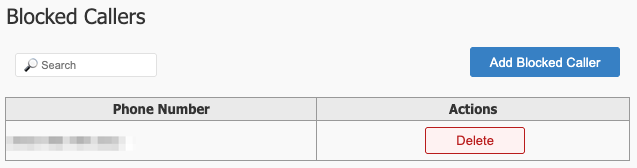
Usage
- Use the blocklist to prevent nuisance calls from telemarketers and other unwanted callers.
- Ensure the blocklist is regularly updated to reflect current needs.
Configuration
To add a new caller to the Blocklist, click 
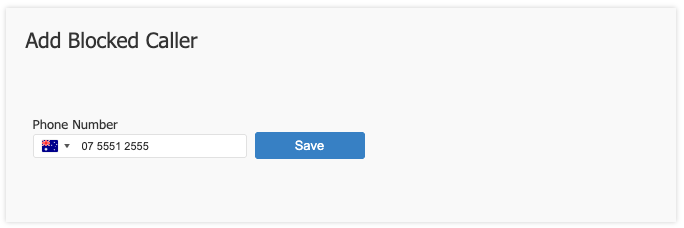
Select the country from the drop-down field, then enter the phone number.
Click 'Save' when finished.
Click 'Apply Changes' when prompted.
Best Practices
- Review the blocklist periodically to ensure it is up to date.
- Use the blocklist in conjunction with other call management features for optimal call control.
Frequently Asked Questions
Question: What if I do not know the phone number / What if the caller is blocking Caller ID?
Answer: In the event that the Caller ID is unknown, contact your PBX Administrator as we may still be able to locate and block the calls for you.